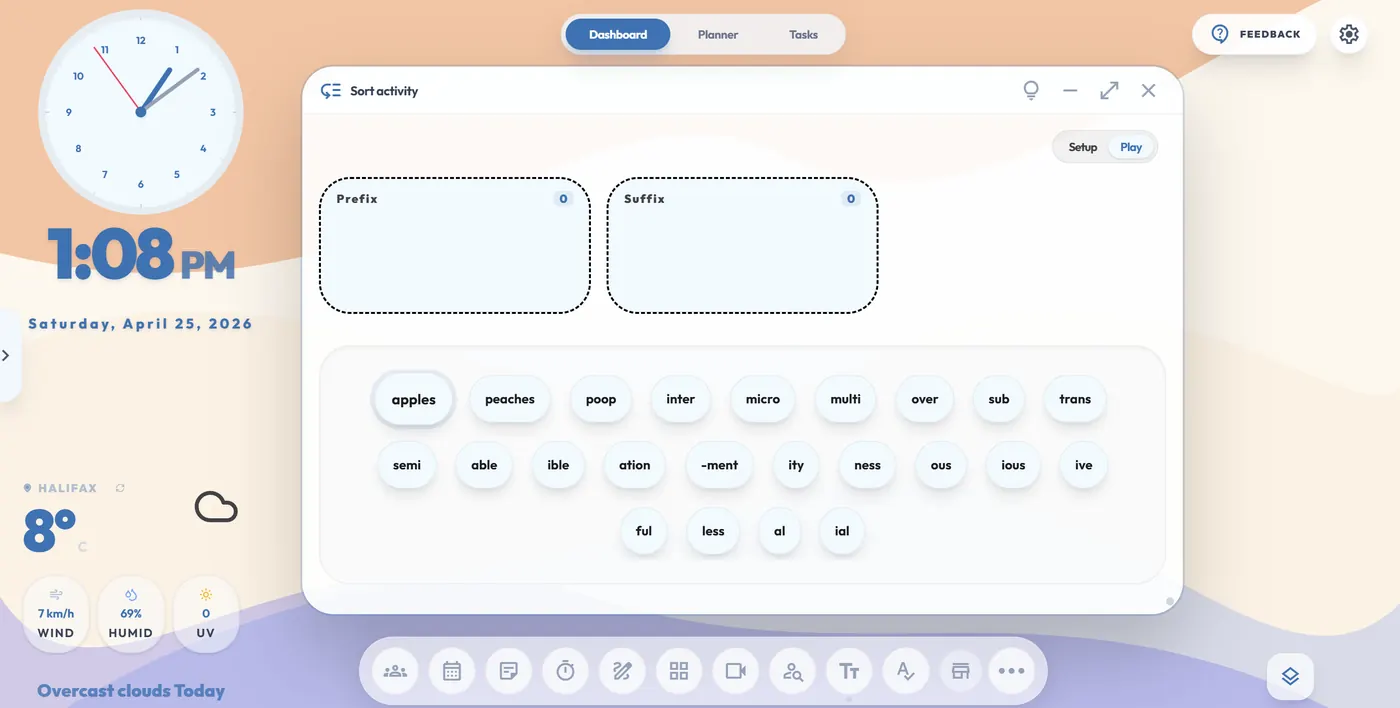
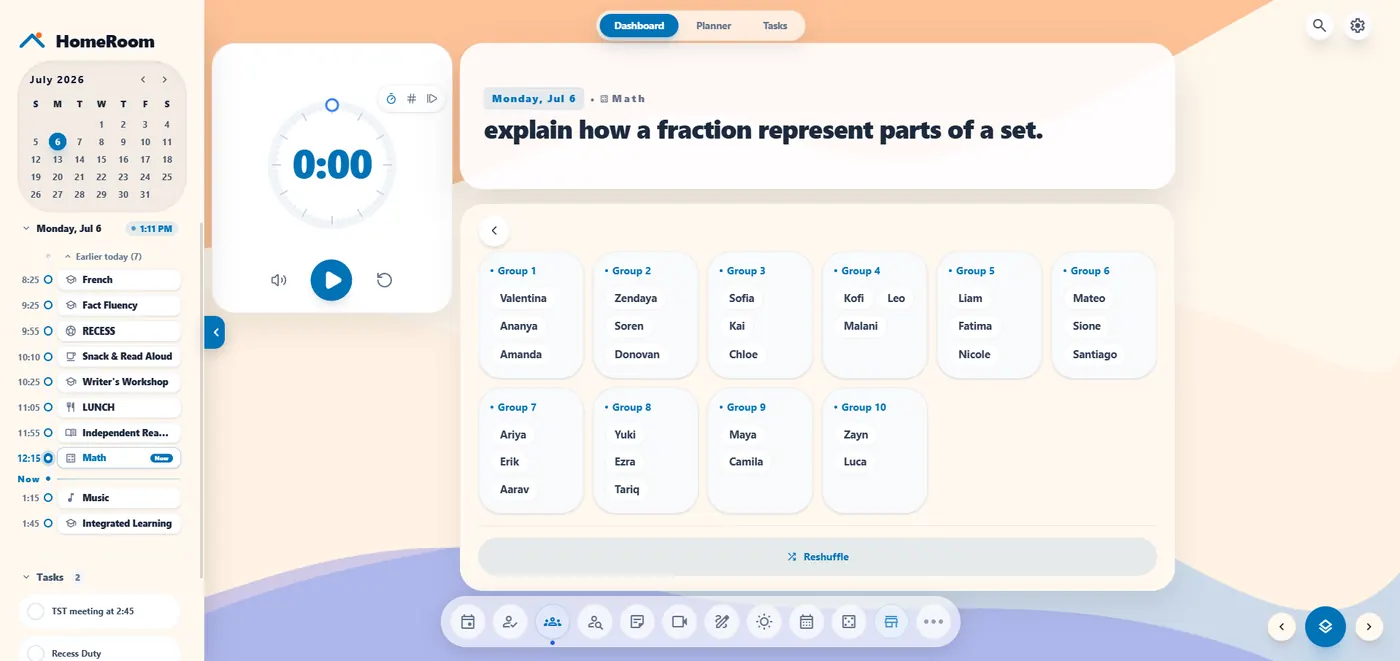
Stop opening a different website for every transition. HomeRoom puts transition timers, a fair name picker, a whiteboard, sticky notes and today's learning target on one board, so the room keeps moving and you stay in front of your students.
Drop a timer next to your task and let students see the time left.
A name picker students can watch, so nobody argues it was rigged.
Whiteboard and sticky notes for quick modelling and anchor charts.
Your dashboard runs from local storage in your browser, so a dropped school connection won't freeze your timers mid-lesson.
The free plan is $0 CAD forever and includes every tool, with room for 5 classes and 1 unit plan with 3 active tasks. Pro is $20 CAD a year (regularly $30, founder price locked in for life). New accounts start with 60 days of full Pro, with no credit card.
HomeRoom has no student accounts and no ads. It was built by Jeff Hennigar, an elementary school teacher in Nova Scotia. See also the digital planner for teachers and HomeRoom vs Classroomscreen.
No. HomeRoom runs in your browser, including on Chromebooks and touchscreen smartboards.
Yes. Every tool is free. The free plan is $0 CAD forever, with room for 5 classes and 1 unit plan with 3 active tasks. Pro is $20 CAD a year.
30+ tools including a whiteboard, sticky notes, seating chart, group maker, Morning Meeting prompts and literacy games.
Your dashboard runs from local storage in your browser, so timers and the board keep working. You'll see a quiet offline notice, and it reconnects on its own.
No. HomeRoom is for the teacher only, and students never sign in.